


Desktop · macOS & Windows

Real-time visuals, driven by sound.

Lumoi turns whatever you’re playing into living, shader-driven light — reactive to every beat. A desktop instrument for seeing music, built for the second screen and the projector.

Planned for the Mac App Store and the Microsoft Store

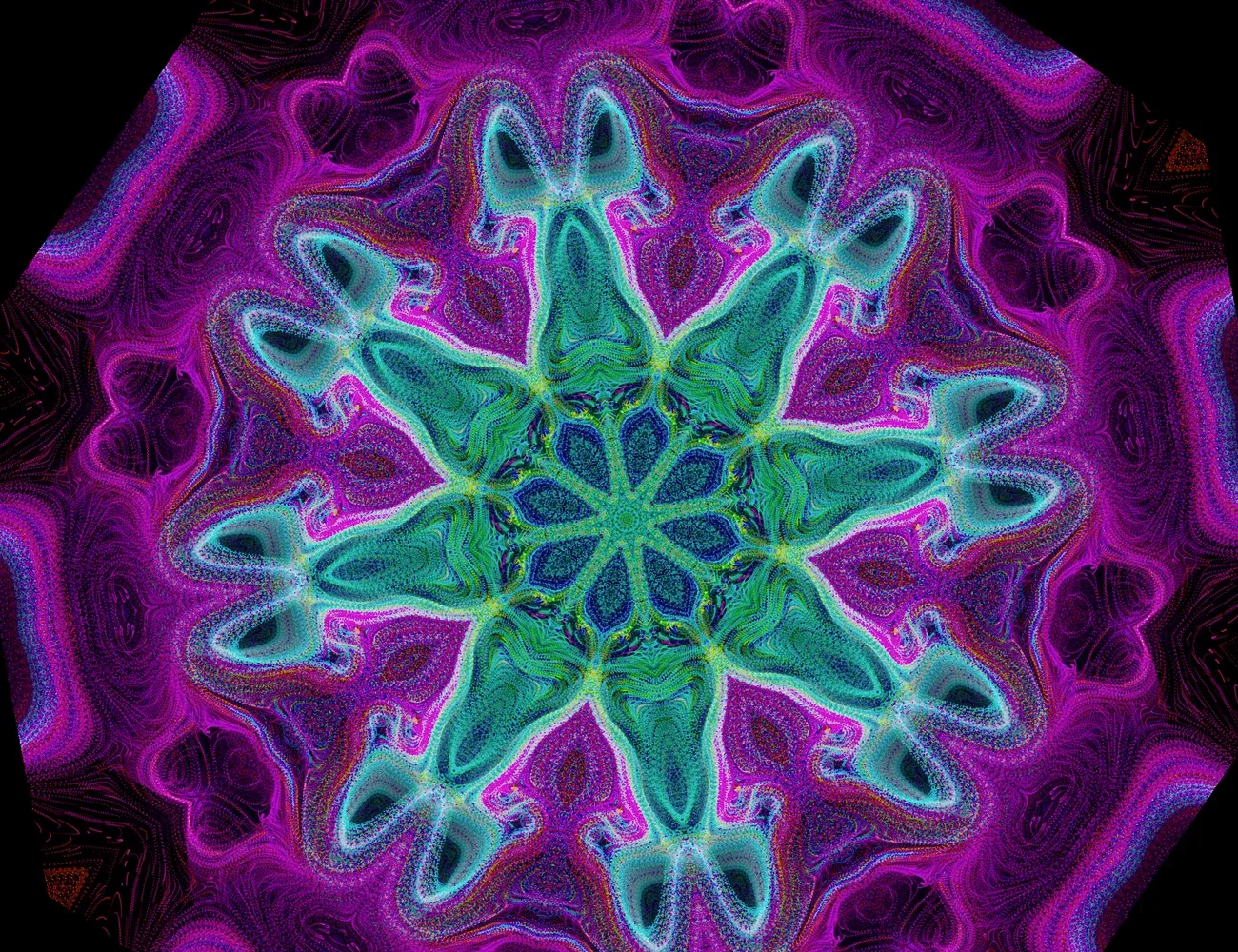
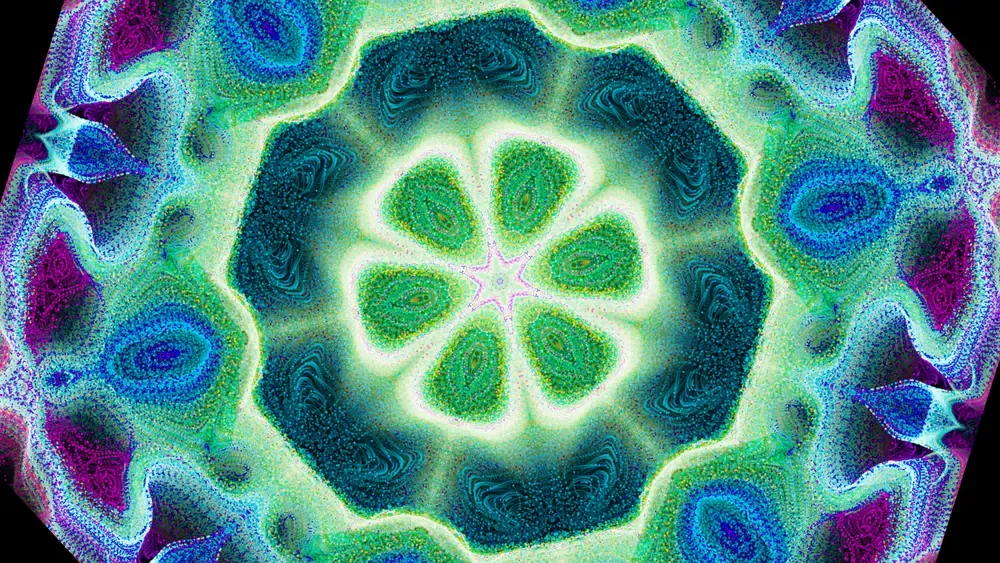
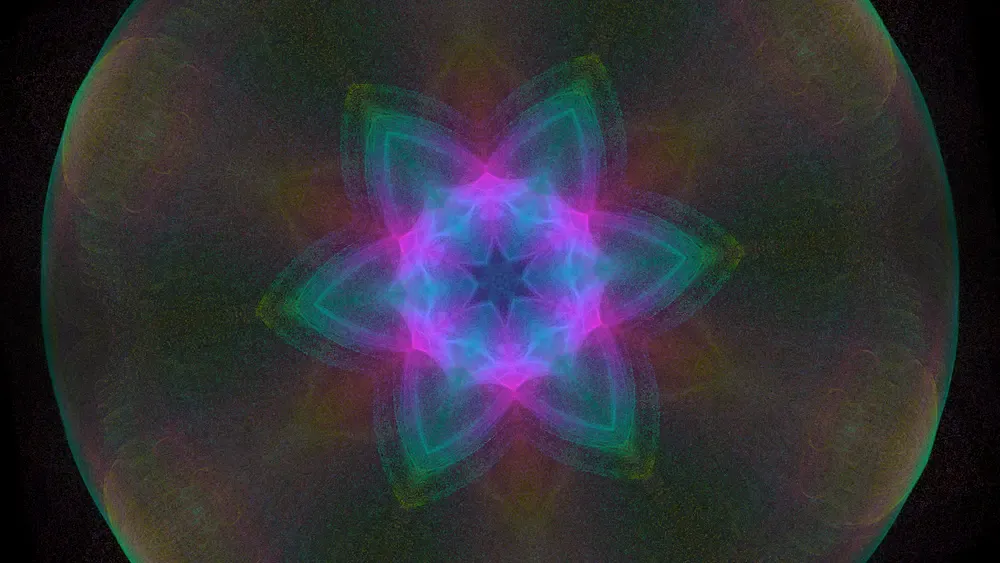
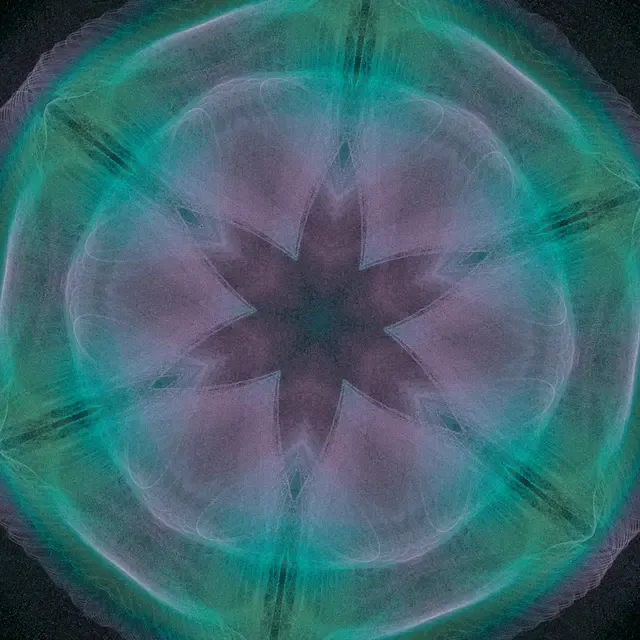
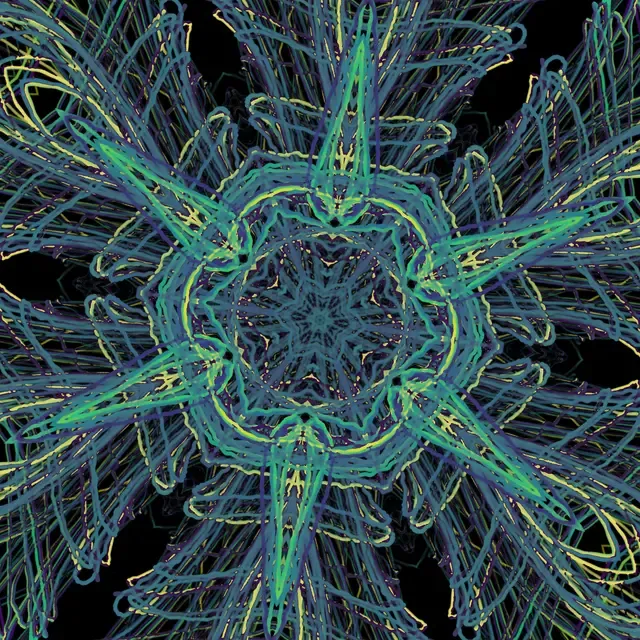
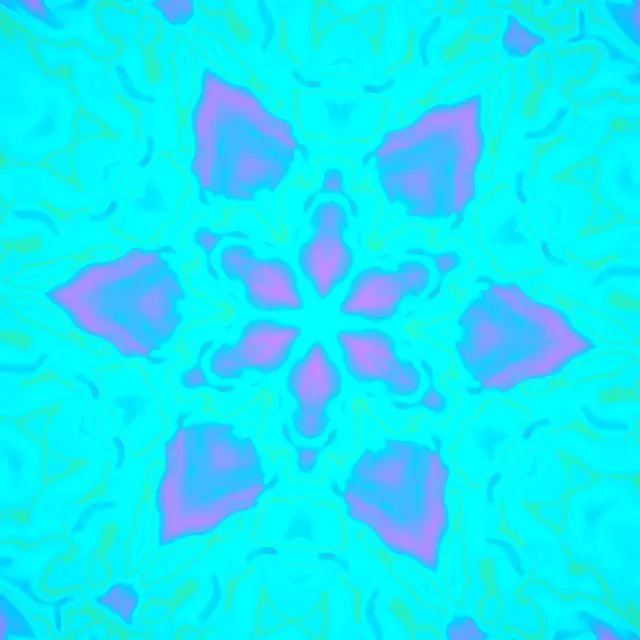
Lumoi rendering an 8-fold kaleidoscopic visual from live audio
What it does

An instrument for seeing music.

  • Driven by your audio

    Every pixel reacts to the live signal — any source, any app. On macOS 14.4+ and Windows, Lumoi captures system audio directly — no driver to install, just grant permission once.

  • A palette of modes

    Flow fields, tunnels, attractors, Chladni plates, fractals and more — each a GPU shader, crossfading into the next.

  • Kaleidoscopic symmetry

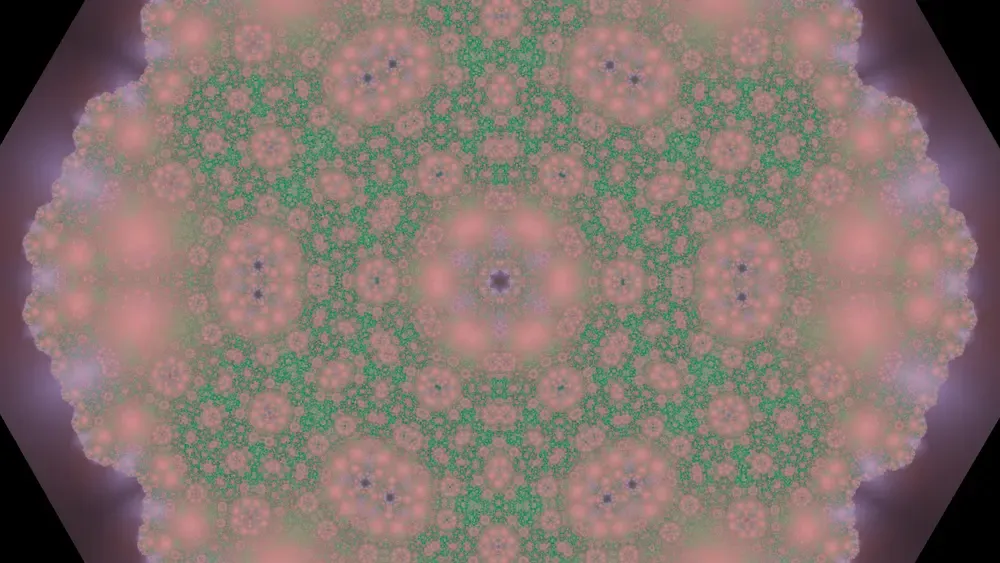
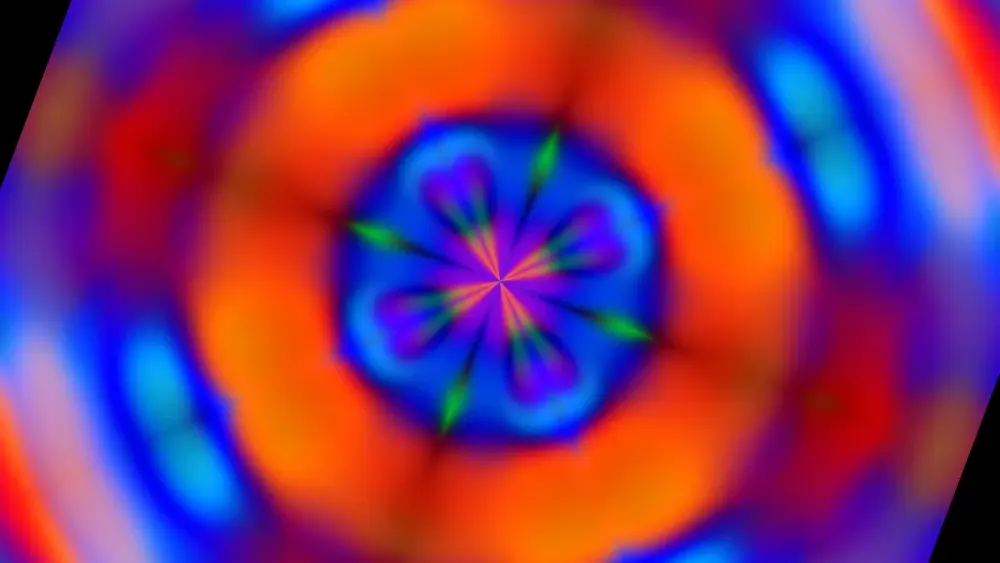
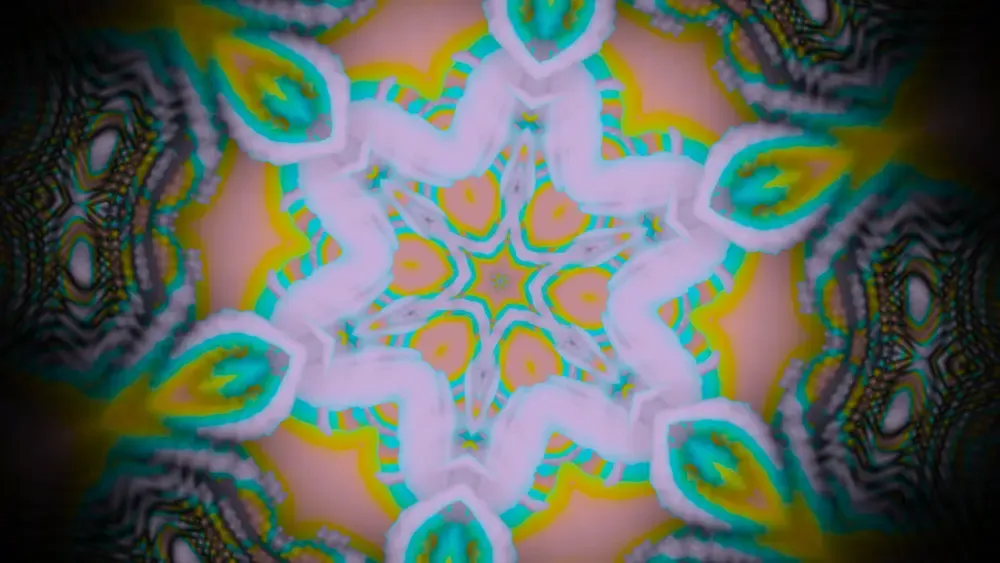
    4-, 6-, and 8-fold mirrors, Droste spirals, and hex tilings turn motion into mandalas in real time.

  • Color with intent

    Curated palettes — Aurora, Viridis, Twilight, Mono — mapped to spectrum and energy, not slapped on top.

  • 60fps, fullscreen

    WebGL2 throughout. Every mode held 60fps fullscreen on a Mac mini M4 at 2880×2880.

  • Locks to your set

    Optional MIDI clock from Ableton sets the beat phase directly; without it, Lumoi estimates the beat from the audio itself.

The instrument

A control room for light.

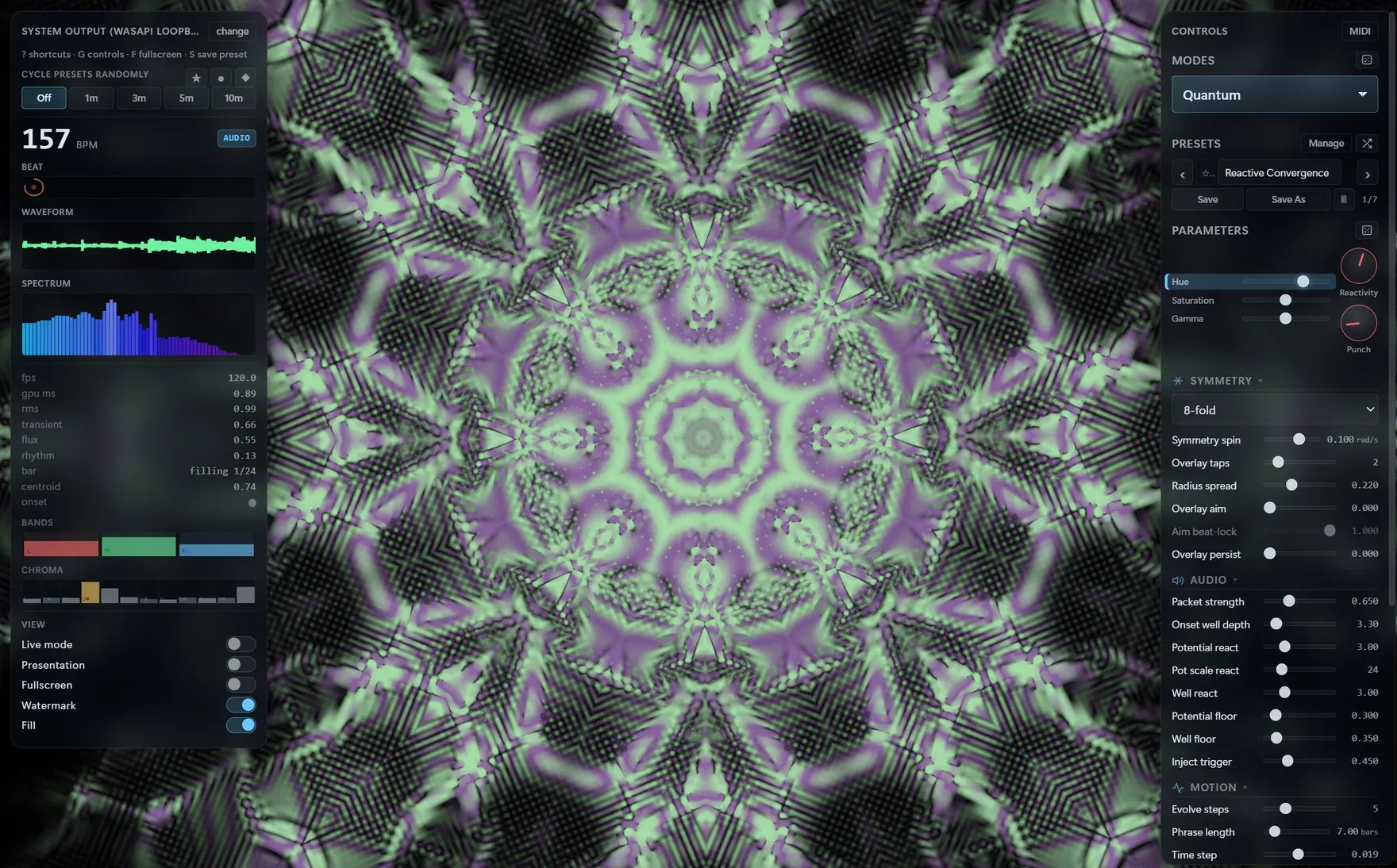
A live readout of tempo, waveform and spectrum on one side; modes, palettes, symmetry and fine parameters on the other. Tweak while it plays — or let Drift roam the look on its own.

The Lumoi desktop app: a HUD with tempo, waveform and spectrum; the live visual, an eight-fold kaleidoscope in green and violet; and a controls panel with the mode, presets, symmetry and parameters
Range

One signal, endless looks.

Twelve visual modes — fold in a palette and a symmetry and no two moments repeat.

  1. Lumoi rendering its Tide mode
    01

    Tide

    The room, breathing.

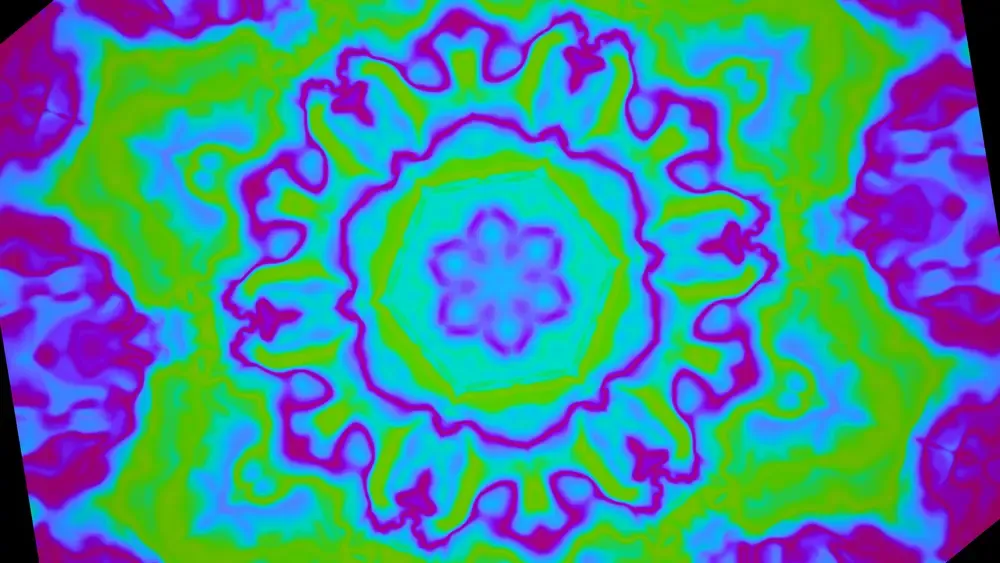
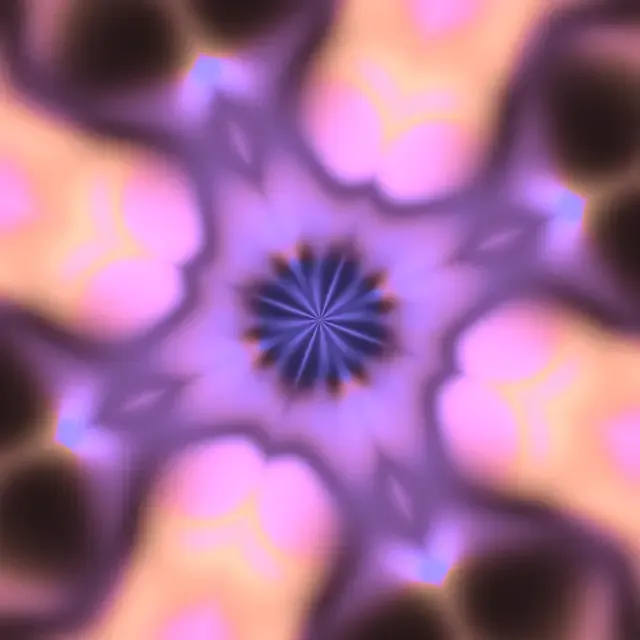
    A slow tidal wash of color that rises and recedes with the music — the calmest corner of the set, where light just breathes.

  2. Lumoi rendering its Lissajous mode
    02

    Lissajous

    The signal, drawn in light.

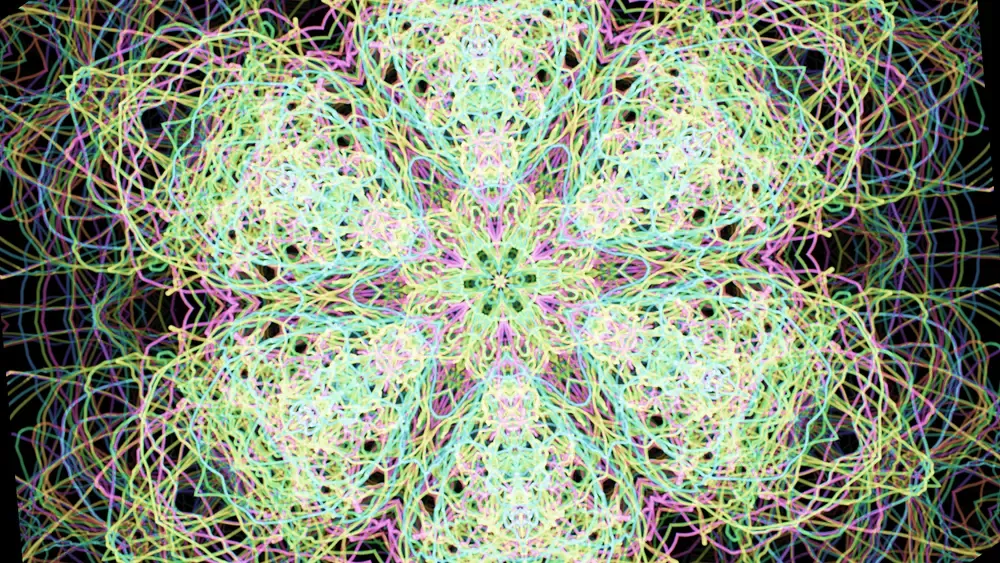
    Left and right channels traced against each other on a luminous scope, each figure burning a glowing trail into the dark: the raw shape of stereo, made visible.

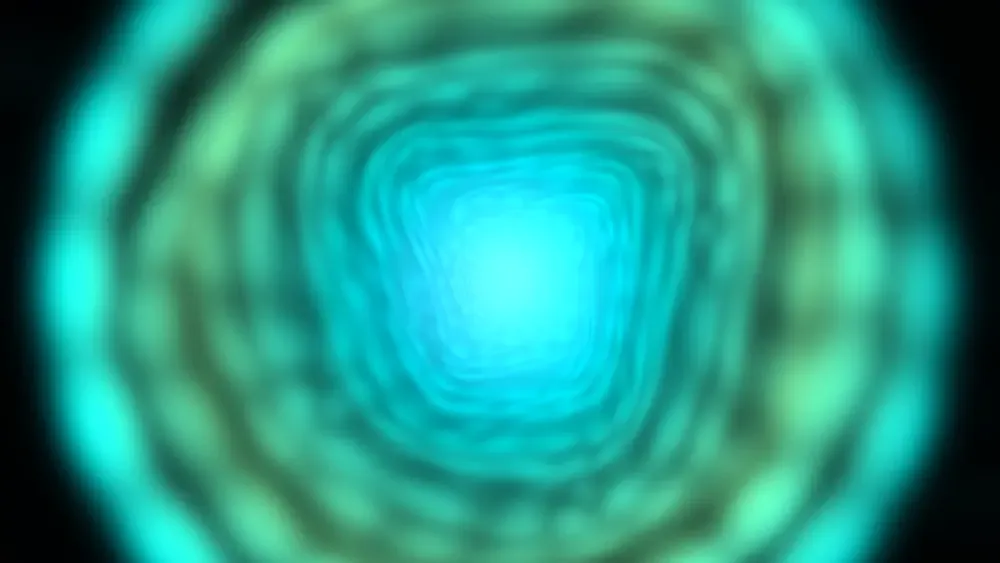
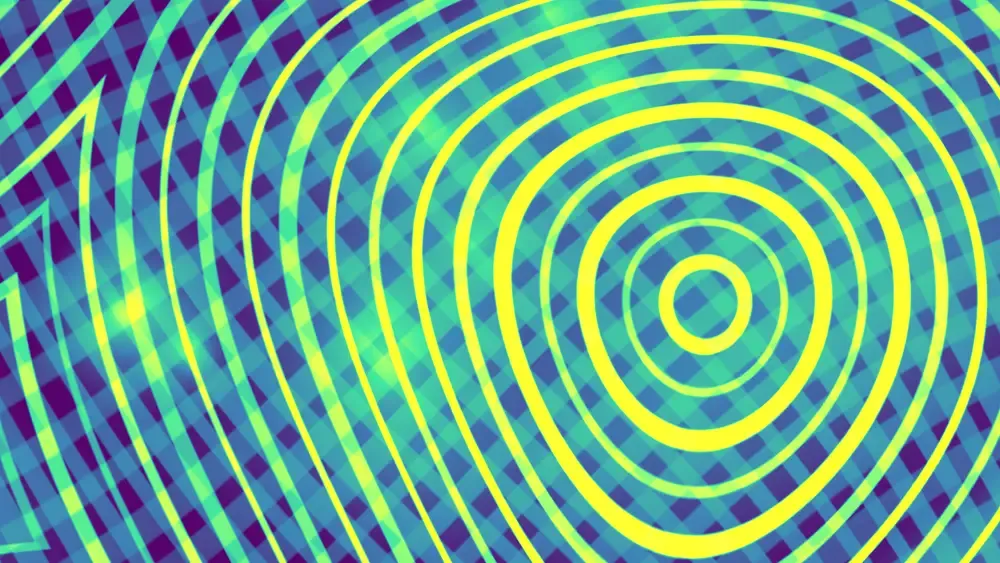
  3. Lumoi rendering its Tunnel mode
    03

    Tunnel

    Falling forward, forever.

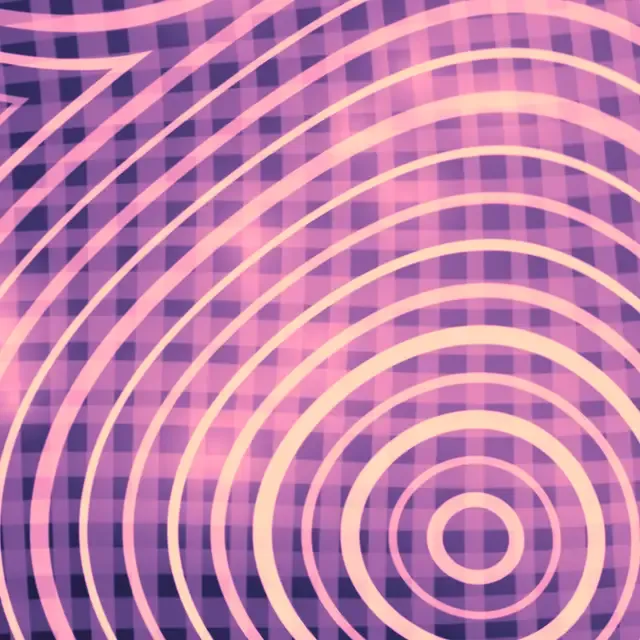
    An endless fluted corridor twisting toward a vanishing point, its grooved walls rippling as every beat punches a bright ring that races away into the depths.

  4. Lumoi rendering its Current mode
    04

    Current

    Sound as weather.

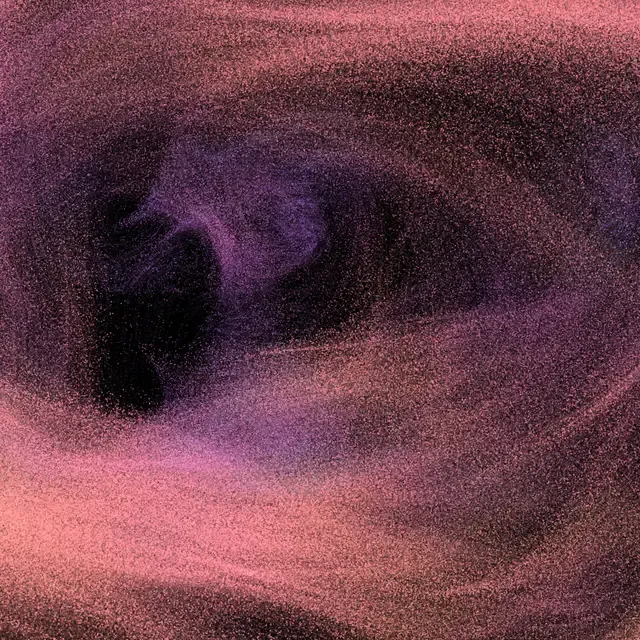
    Thousands of particles adrift on an invisible curl of wind, the music bending the flow into eddies, streams and slow vortices that never cross and never quite settle.

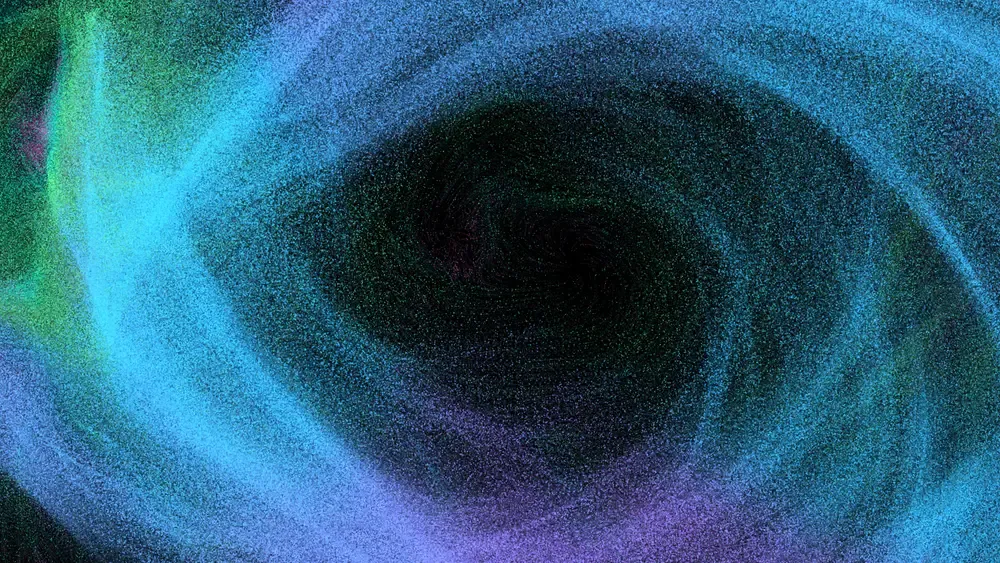
  5. Lumoi rendering its Aura mode
    05

    Aura

    A quarter-million points of light.

    262,144 particles streaming in sheets and curtains like the aurora, folding and rebraiding with every shift in the sound.

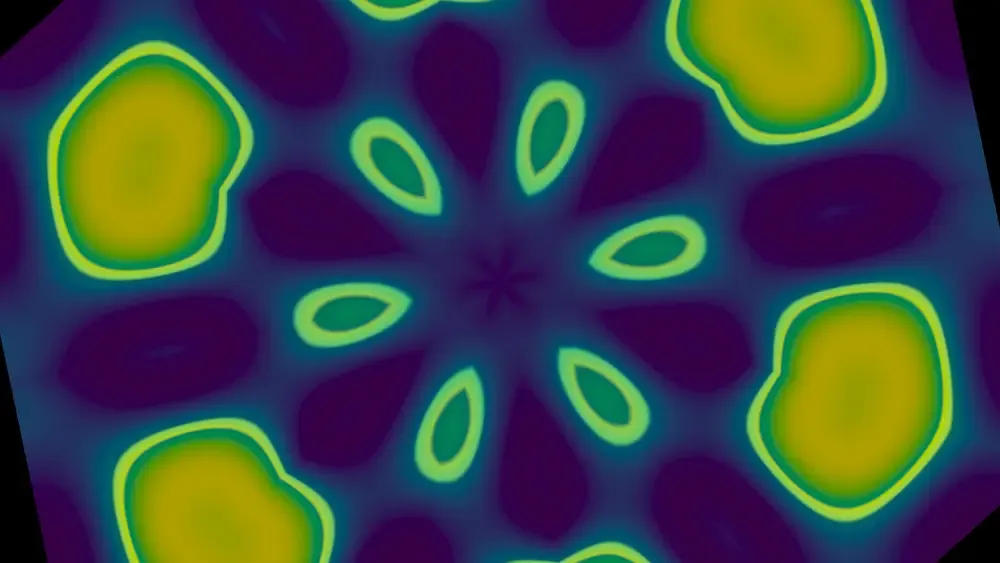
  6. Lumoi rendering its Chladni mode
    06

    Chladni

    What the note looks like.

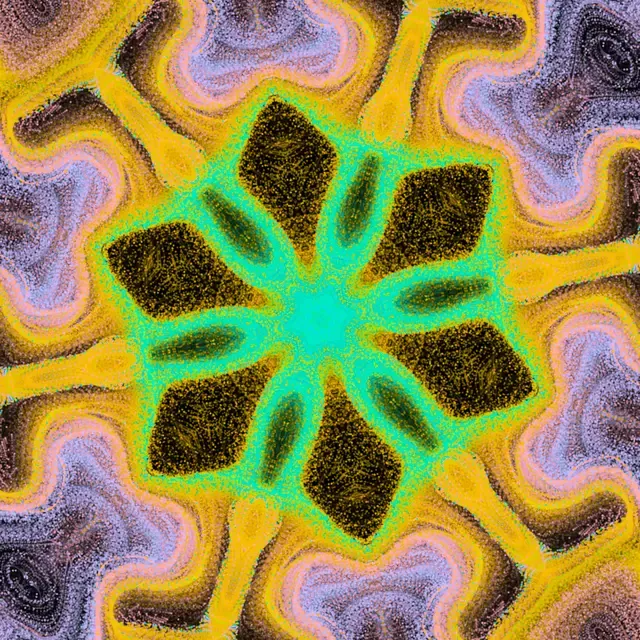
    Standing waves on a vibrating plate, brightness gathering along the silent lines — sharp, symmetric cymatic figures that snap into new geometry as the pitch moves.

  7. Lumoi rendering its Attractor mode
    07

    Attractor

    Order on the edge of chaos.

    A quarter of a million points chased through a strange attractor, leaving a luminous filigree of trajectories; the sound moves its parameters, and the whole form reshapes.

  8. Lumoi rendering its Fractal mode
    08

    Fractal

    Infinity, folded.

    A kaleidoscopic fractal folded into itself again and again — dense golden architecture, the same at every scale: self-similar light, all the way down.

  9. Lumoi rendering its Neural mode
    09

    Neural

    A machine's daydream.

    An untrained neural network evaluated at every pixel, conjuring smooth, organic, faintly alien fields — color that feels grown rather than drawn.

  10. Lumoi rendering its Quantum mode
    10

    Quantum

    Interference, set in motion.

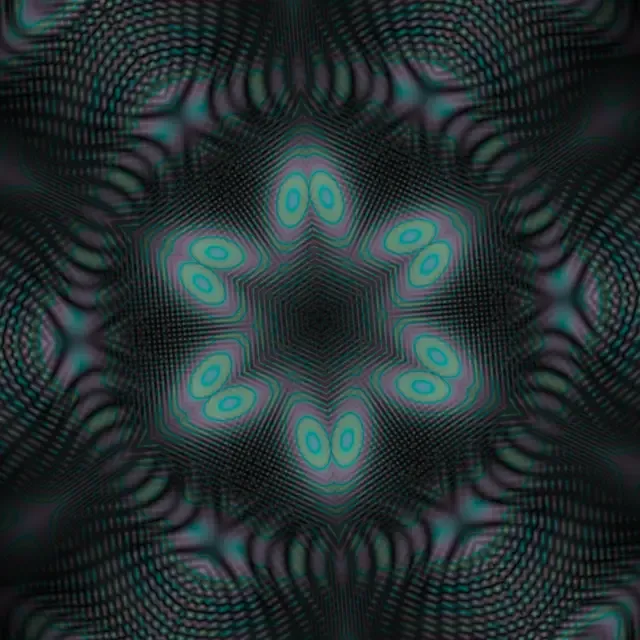
    Quantum-inspired wave interference — shimmering fringes that ripple and fold, mirrored by symmetry into slow, breathing mandalas.

  11. Lumoi rendering its Strata mode
    11

    Strata

    Images, in layers of light.

    A stack of images set adrift — scaling, recolored and dissolved into one another — collages that are never quite the same twice, lit and bent by the sound.

  12. Lumoi rendering its Flock mode
    12

    Flock

    Up to 9,216 animals, no leader.

    Nothing tells them where to go. Each one reads only the flock around it and steers on three local rules, and out of that come the sheets, knots and traveling waves of a school of fish or a murmuration of starlings — the same animal at two settings of one control.

Palettes
  • Native
  • Aurora
  • Rainbow
  • Twilight
  • Viridis
  • Mono blue
Symmetry
  • 4-fold
  • 6-fold
  • 8-fold
  • Droste
  • Hex
Requirements

Will it run on your machine?

Almost certainly. It is a small app with modest needs.

Windows

If your PC can play a video smoothly, it can run Lumoi.

System
Windows 10 (October 2018 update) or 11, 64-bit. Not ARM.
Graphics
Anything from the last decade — built-in Intel included.
Memory
4 GB, comfortable at 8 GB.
Disk
About 15 MB installed. The download is 4.4 MB.

Sound: nothing to install

Lumoi listens to whatever your computer is already playing. There is no virtual cable to install and nothing to configure, and it follows you when you change headphones mid-session.

The first launch

Windows may show a blue “Windows protected your PC” box the first time you run the installer. Microsoft Defender SmartScreen shows it for downloads that have not yet built up a reputation, which is usual for a new app and can recur with each new release. Choose More info, then Run anyway.

macOS

Apple Silicon, and a version recent enough to let an app hear your music.

System
macOS 14.4 or later. It runs back to macOS 11 with a free audio helper.
Mac
Any Apple Silicon — M1 to M4. Intel is not supported by the current download.
Memory
8 GB, comfortable at 16 GB.
Disk
6 MB. Yes, six.

Sound: nothing to install

On macOS 14.4 and later Lumoi hears your Mac directly — no BlackHole, no virtual audio driver. macOS asks permission to record audio the first time; that is how it hears your music, and nothing is recorded, saved or sent anywhere.

Opening it the first time

The current download is not yet notarized by Apple, so macOS refuses it on the first try. Right-click Lumoi in Applications, choose Open, then Open again. Once, and never after that.

What you don’t need

  • No music software — Ableton is optional, never required
  • No MIDI gear, controllers or extra hardware
  • No internet connection; it runs entirely on your machine
  • No account, sign-in, subscription or activation

A note on graphics

Eight of the twelve modes run on essentially any computer. The other four — the ones tracking hundreds of thousands of particles, or a full wave field — ask more of your graphics hardware, and on an older machine may be unavailable. Lumoi says so plainly instead of stuttering, and the other eight are unaffected.

Older macOS, or connecting Ableton? Setup guide.

Coming to the desktop.

Lumoi is in final testing for macOS and Windows. App Store and Microsoft Store submission is planned.

Planned for the Mac App Store and the Microsoft Store

On macOS 14.4+, Lumoi captures system audio with a one-time permission — no driver needed. Setup & older-macOS help.